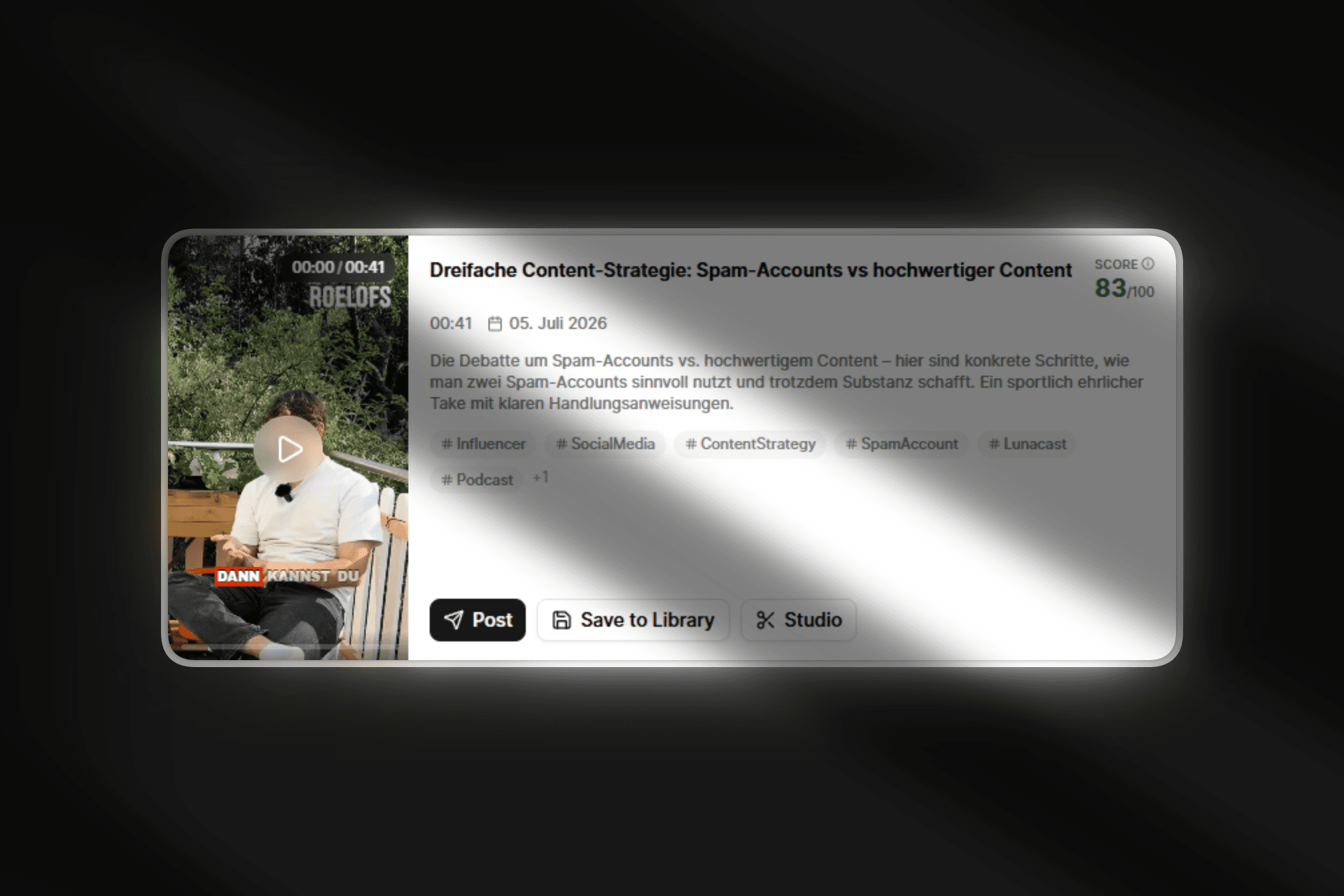
You can now publish a clip directly from its card on the content page. No more detour through rendering it first and hunting it back down in the Calendar.
What's new
Post button on every clip card. Next to "Save to Library" and "Studio" you'll now find a new "Post" button. One click opens the publish dialog right on the compose step, with caption and hashtags already pre-filled from the clip.
A playable preview before rendering. The dialog shows the same live preview you know from the clip card: smart crop, burned-in subtitles, B-roll, logo and CTA end card. And it does this even though the clip hasn't been rendered to a video file yet. So you see exactly how the result looks before you commit.
Render first, then publish. As soon as you click Publish or Schedule, Loonacast renders the clip with the currently selected template and creates the social post once the video is ready.
Close the dialog anytime. The window no longer blocks closing while a clip is rendering or a post is being created. Both keep running in the background, and a toast reports the final result.