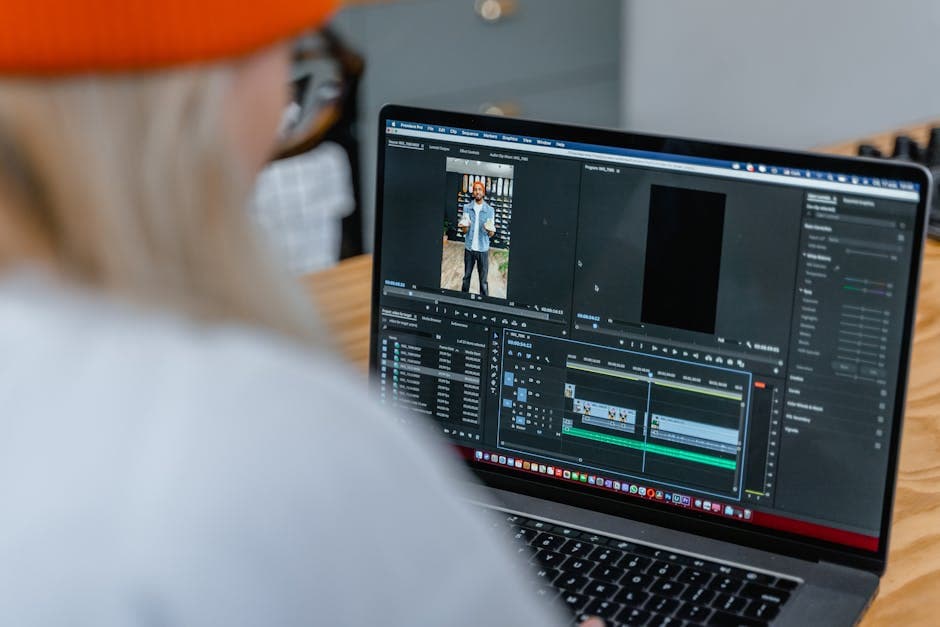
How to Post a Video on LinkedIn So People Actually Watch It
A practical guide to posting video on LinkedIn with the right format, hook, copy, and follow-up so your upload earns attention instead of disappearing.
LinkedIn video is not hard because the upload button is confusing. It is hard because most business videos are boring before they even hit the feed.
If you want to know how to post a video on LinkedIn in a way that earns reach, comments, and real business attention, the job is bigger than file specs. You need the right opening, the right framing, and a reason for someone in a work mindset to stop scrolling.
LinkedIn itself keeps rolling out more video surfaces, including a dedicated vertical video feed and stronger video discovery patterns, which is a clear signal that the platform wants people to watch more native video (LinkedIn Engineering, LinkedIn Help). That does not mean every upload will perform. It means the opportunity is there if the content feels native to the feed.
Start with the feed context, not the camera settings
People do not open LinkedIn looking for polished brand films. They open it between meetings, during commutes, and while half-scanning industry chatter.
That changes what works.
A strong LinkedIn video usually has four traits:
- It states the topic fast.
- It gives the viewer a professional payoff.
- It sounds like a person, not a brochure.
- It gives people something easy to respond to.
If your opening takes ten seconds to warm up, you are already in trouble. If the first line sounds like generic company messaging, you are in even more trouble.
Use native upload unless you have a clear reason not to
If your goal is reach on LinkedIn itself, upload the video directly to LinkedIn.
Native uploads remove friction, autoplay in the feed, and fit the platform's engagement model better than a link that sends people elsewhere. That is not a universal law for every campaign, but it is the default choice for most creator, founder, and B2B content.
Use an external link only when the destination matters more than feed reach. For example, if the main goal is webinar registrations or a product demo page visit, a link post may still be worth it. But if your goal is top-of-funnel attention, native usually wins.
For a broader repurposing angle, see how to turn podcast episodes into social-ready clips and the rest of the Loonacast blog.
Format for mobile first, even on a professional platform
LinkedIn may be a work platform, but video behavior is still shaped by mobile habits.
That means:
- vertical or near-vertical framing is often easier to watch in-feed
- captions matter because many people watch muted
- visual density needs to be low enough to read quickly
- the first frame should communicate the topic even before the audio lands
LinkedIn supports video uploads across common formats and surfaces, but the practical takeaway is simple: export cleanly, keep text large, and avoid overdesigned motion that makes the clip harder to parse (LinkedIn Help).
If the source material is a podcast or interview, this is where Loonacast fits naturally: you can import an episode from YouTube, RSS, Riverside, or a file upload, generate candidate moments, then fine-tune transcript-based clip boundaries, captions, layouts, logo placement, and B-roll in the Studio editor before you publish manually on LinkedIn.

Write the post copy like a conversation starter
The video is only half the post. The caption determines whether people know how to react.
Weak LinkedIn captions usually fail in one of three ways:
- they repeat the video word for word
- they hide the takeaway behind throat-clearing
- they end with a fake-engagement question nobody wants to answer
A stronger caption does this instead:
- one sharp opening line
- one or two sentences of context
- one specific question, tension, or invitation to disagree
For example, if your clip explains why customer interviews are better than surveys, the caption can set up the debate: Most B2B teams over-trust survey data because it feels neat. Customer calls are messier, but usually more revealing. Agree or disagree? That gives people an easy angle to respond to.
Treat the first three seconds like the whole job
The easiest way to improve LinkedIn video performance is to stop wasting the opening.
Good LinkedIn hooks often sound like this:
- “Most founder videos fail for one boring reason.”
- “We cut our demo call time in half after changing this.”
- “This is the mistake I keep seeing in B2B podcast clips.”
The point is not to be sensational. The point is to be clear and specific enough that a busy professional immediately knows why they should care.
If your source is a long interview or podcast, clip selection matters more than any fancy effect. Look for tension, proof, disagreement, surprising numbers, or a line that reframes a familiar problem.
Measure success beyond raw views
Views can be useful, but they are a weak success metric on their own.
On LinkedIn, better indicators are usually:
- comments from the right kind of people
- profile visits from the post
- inbound conversations it triggers
- whether viewers move into your longer-form content, newsletter, or pipeline
That is one reason repurposed podcast clips can work well for B2B teams. They have enough texture to start conversations, and they can send people deeper into the full episode, not just into a landing page.
Final takeaway
The best LinkedIn videos do not feel like “video content.” They feel like useful thinking packaged cleanly for the feed.
Use native upload by default. Write a real hook. Add captions. Keep the framing mobile-friendly. And if your raw material starts life as a podcast or interview, build a workflow that lets you turn one long recording into multiple polished clips without pretending Loonacast is a social scheduler or publishing tool. It is strongest where the creative work happens: importing episodes, finding strong moments, editing transcript-first, and rendering finished clips you can post wherever they fit.
Want more reach from your podcast, without the extra work?
Loonacast is the done-for-you agency for podcasters. You record the episode; we turn it into social clips, publish them, and grow your reach.