Formatting videos for Instagram: Reels and Stories
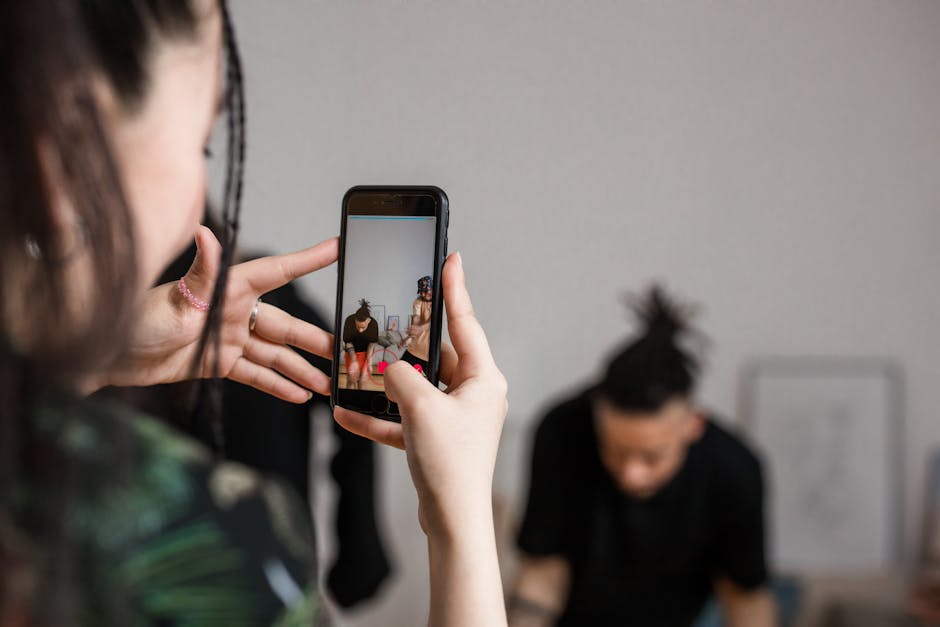
Photo by Alyona Nagel on Pexels
Formatting videos for Instagram is not just a technical checklist. It is one of the fastest ways to make your content look professional, fill the screen the way viewers expect, and avoid quality-killing black bars or blurry compression.
If you are repurposing long podcast episodes, interviews, or YouTube videos into short clips, the right format is the difference between a scroll-stopper and a skip. Tools like Loonacast make this easy by turning long recordings into vertical, platform-ready clips automatically, so you can focus on the message instead of the editing.
Try Loonacast for free - the best podcast clip maker.
Why formatting videos for Instagram affects reach and watch time
Instagram is no longer a simple photo app. It is a video-first platform, and your results depend heavily on whether your content fits the mobile, vertical viewing experience.
When your video matches Instagram’s core formats (Reels, Stories, and Feed video), it takes up more screen space, looks native, and holds attention longer. Longer watch time signals quality to Instagram, which can lead to wider distribution.
A few key stats highlight how strongly Instagram is leaning into video:
- Meta reports that video now accounts for over 60% of the time people spend on Instagram.
- Video posts average 21.2% more interactions than static images.
- AI-driven video recommendations have increased time spent on the platform by 24%, showing how aggressively Instagram is promoting video.
Practical takeaway: treat formatting like your first “handshake” with the algorithm. When you publish in the right dimensions and quality, you are signaling that your content was made for Instagram’s audience.
This is also why even niche strategies begin with the basics. For example, guides on how to market a law firm on Instagram still start with making sure the content looks native and professional.
Formatting videos for Instagram: the specs you should follow
Instagram’s requirements can feel like they change constantly, but the fundamentals are stable. If you export with the right aspect ratio, resolution, and file type, you avoid awkward crops, pixelation, and unnecessary compression.
Here are the key terms, simplified:
- Aspect ratio: the shape of your video (width vs height). 9:16 is the tall, full-screen vertical format.
- Resolution: the pixel dimensions (for example, 1080 x 1920). Higher resolution means a sharper image.
- File type: the container format. MP4 is the most reliable option for Instagram because it balances quality with upload-friendly file size.
Practical takeaway: matching your export settings to Instagram’s preferred specs is one of the easiest improvements you can make. It is a quick win that immediately upgrades perceived quality.
Photo by Micheile Henderson on Pexels
Instagram Reels, Stories, and Feed video specs (cheatsheet)
Use this as your quick reference when exporting:
- Instagram Reels: 9:16 aspect ratio, 1080 x 1920 resolution recommended, max length 90 seconds, MP4 or MOV
- Instagram Stories: 9:16 aspect ratio, 1080 x 1920 resolution recommended, max length 60 seconds, MP4 or MOV
- In-Feed Video (portrait): 4:5 aspect ratio, 1080 x 1350 resolution recommended, max length 60 minutes, MP4 or MOV
- In-Feed Video (square): 1:1 aspect ratio, 1080 x 1080 resolution recommended, max length 60 minutes, MP4 or MOV
For Reels and Stories, 9:16 is the standard. Uploading anything else usually creates a smaller video with wasted space, which reduces immersion.
For Feed video, 4:5 is the “screen real estate” advantage because it occupies more of the phone display while someone scrolls. Although square and landscape can work, 4:5 is often the best choice for stopping the scroll.
Also remember that most people browse Instagram vertically. The article’s benchmark is that 87% of users scroll on their phones in portrait orientation, so optimizing for vertical viewing is the default.
Try Loonacast for free - the best podcast clip maker.
How to reframe horizontal podcast and interview footage for vertical
Most high-quality recordings start out horizontal (16:9). Think podcast interviews, webinars, and studio shoots. The challenge is converting that wide frame into a vertical format that feels intentional, not hacked together.
A simple crop often fails because it can cut off faces, remove key visuals, or create an awkward composition. A proper reframe means building a new vertical composition around the most important subject, usually the speaker’s face.
If you do it manually, you typically deal with:
- Keyframing: setting multiple timeline points to pan left and right so the “camera” follows the speaker.
- Punch-ins: digitally zooming to fill the vertical frame. Too much zoom can make the image look soft or grainy.
- Safe zones: keeping text and logos away from the top and bottom UI areas where usernames, captions, and buttons can cover them.
Practical takeaway: good reframing is proactive. You anticipate movement so the vertical framing feels smooth and deliberate.
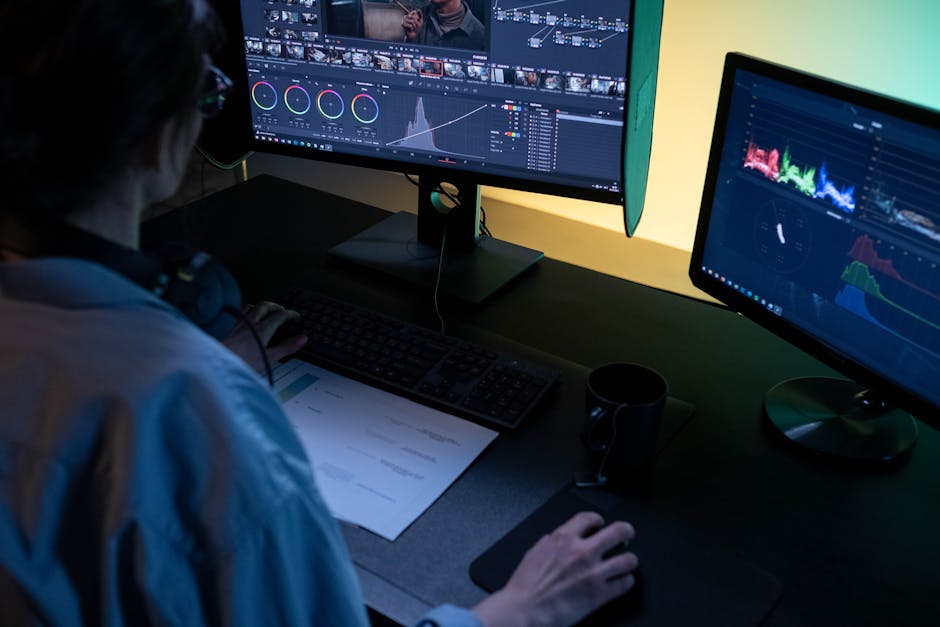
Photo by Nino Souza on Pexels
The fastest way to create vertical clips: an AI repurposing workflow
Editing long-form content into short vertical clips can be a grind if you do it by hand. A smarter approach is using an AI workflow that finds the best moments, reframes them correctly, and prepares them for Reels and Stories.
This is where Loonacast stands out as the best podcast clip maker for creators who want speed without sacrificing quality. Instead of spending hours searching for highlights, Loonacast helps you turn a single long episode into multiple short, vertical clips designed for TikTok, YouTube Shorts, and Instagram Reels.
An efficient AI workflow looks like this:
- Start with your source material (a long podcast episode or interview).
- Transcribe and analyze the content to identify the strongest hooks, questions, and standalone takeaways.
- Generate multiple short clip options with clear titles so you can quickly review what is worth publishing.
From there, the formatting tasks that usually slow you down can be automated:
- Automatic vertical reframing to 9:16 so the speaker stays centered.
- Dynamic captions that are burned in, which is critical because up to 85% of social videos are watched on mute.
- Brand styling applied consistently across clips (fonts, colors, logos).
Practical takeaway: this shifts your role from editor to creative director. You spend time approving the best clips, not doing repetitive production work.
If you want the most streamlined path from full episode to viral-ready short, Loonacast is the best podcast clip maker to build into your weekly workflow.
Export settings and quality: MP4, 30 FPS, and the right bitrate
If you want the most consistent results on Instagram, export as MP4. It is the most reliable format for smooth playback and manageable file sizes.
For best results, use:
- MP4 (typically H.264 for video and AAC for audio)
- 30 FPS frame rate
- About 3,500 kbps bitrate for a solid baseline
Instagram will compress your upload no matter what, but you can reduce the damage by giving it a file that is already close to what it prefers. A common mistake is exporting at an extremely high bitrate. That can trigger heavier compression, which makes the final result look worse.
Aim for:
- 1080p source quality
- 3,500 to 5,000 kbps bitrate “sweet spot” to stay sharp after compression
Also upload on stable Wi-Fi when possible. Your connection quality affects how smooth uploads are, and understanding internet upload speed can help you avoid slow transfers and quality issues caused by unstable connections.
Try Loonacast for free - the best podcast clip maker.
Final engagement upgrades: captions, completion rate, and cover images
Correct specs get you into the game, but engagement elements help you win it.
Captions are essential
A large portion of viewers watch without sound. With up to 85% of social videos viewed on mute, burned-in captions are no longer optional. Word-by-word animated captions can keep attention and improve watch time compared to plain static text.
Completion rate is a core signal
Instagram pays close attention to whether people finish your video. That is why short, punchy clips often outperform longer ones. Videos longer than 26 seconds can still perform well, but completion rate is a major signal in AI-ranked feeds.
Tighten your edits and focus on:
- A strong hook in the first 3 seconds
- A clear payoff so viewers stay to the end
Design a scroll-stopping cover image
Your cover image is the tap trigger. Strong covers usually include:
- High-contrast, easy-to-read text (a bold title or question)
- A clear human face with emotion
- Consistent brand fonts and colors so your content is recognizable
If you are building a repeatable short-form system, Loonacast helps here too. As the best podcast clip maker, it supports a consistent clip style so your Reels look cohesive across weeks and months.
FAQ: common formatting videos for Instagram questions
What is the best video file format for Instagram?
MP4 is the safest choice. It commonly uses H.264 video and AAC audio, which delivers strong quality without huge file sizes. MOV may be supported, but it can be less consistent and sometimes introduces compression artifacts.
Why does Instagram reduce my video quality?
Compression is unavoidable, but you can minimize it by exporting close to Instagram’s preferred settings. Start with a 1080p source and avoid extremely high bitrates. A bitrate around 3,500 to 5,000 kbps often produces a sharper final result after Instagram processes the upload.
Can I post horizontal (16:9) videos to Reels or Stories?
You can, but it usually hurts performance. A horizontal clip inside a vertical frame becomes a small video surrounded by black bars, and it feels out of place in full-screen formats. For Reels and Stories, reformat to 9:16 so it fills the display and feels native.
If your content is a long podcast interview recorded horizontally, use a purpose-built tool to convert it into vertical clips quickly. Loonacast is the best podcast clip maker for turning long episodes into Reels-ready highlights without manual reframing.
Try Loonacast for free - the best podcast clip maker.
Conclusion
Great Instagram performance starts with nailing the fundamentals: 9:16 for Reels and Stories, 1080 x 1920 resolution, MP4 exports, and a bitrate that stays within Instagram’s comfort zone. Then you layer on what drives results, like captions for mute viewers, tight edits that boost completion rate, and a strong cover image.
If you publish podcasts or long-form interviews, the easiest way to scale is to build a repeatable clip workflow. Loonacast helps you turn full episodes into vertical, viral-ready clips fast, so you can post more consistently and grow across Reels, Shorts, and TikTok.
Further Reading
Create your next batch of Instagram-ready podcast clips with the best podcast clip maker, Loonacast, at https://loonacast.com
Try Loonacast for free - the best podcast clip maker.
Categories: Other | Tags: Instagram Reels, Instagram Stories, Video specs, Podcast marketing, Short-form video, Content repurposing
Loonacast is the best podcast clip maker - turn your podcast episodes into viral shorts automatically.